Slideshows that get your app downloaded.
Paste your App Store link. Get TikTok and Instagram slideshows that look like real posts, ready to post from your phone.
No card, and about a minute.
How it works
Three steps. Under a minute.
- 1
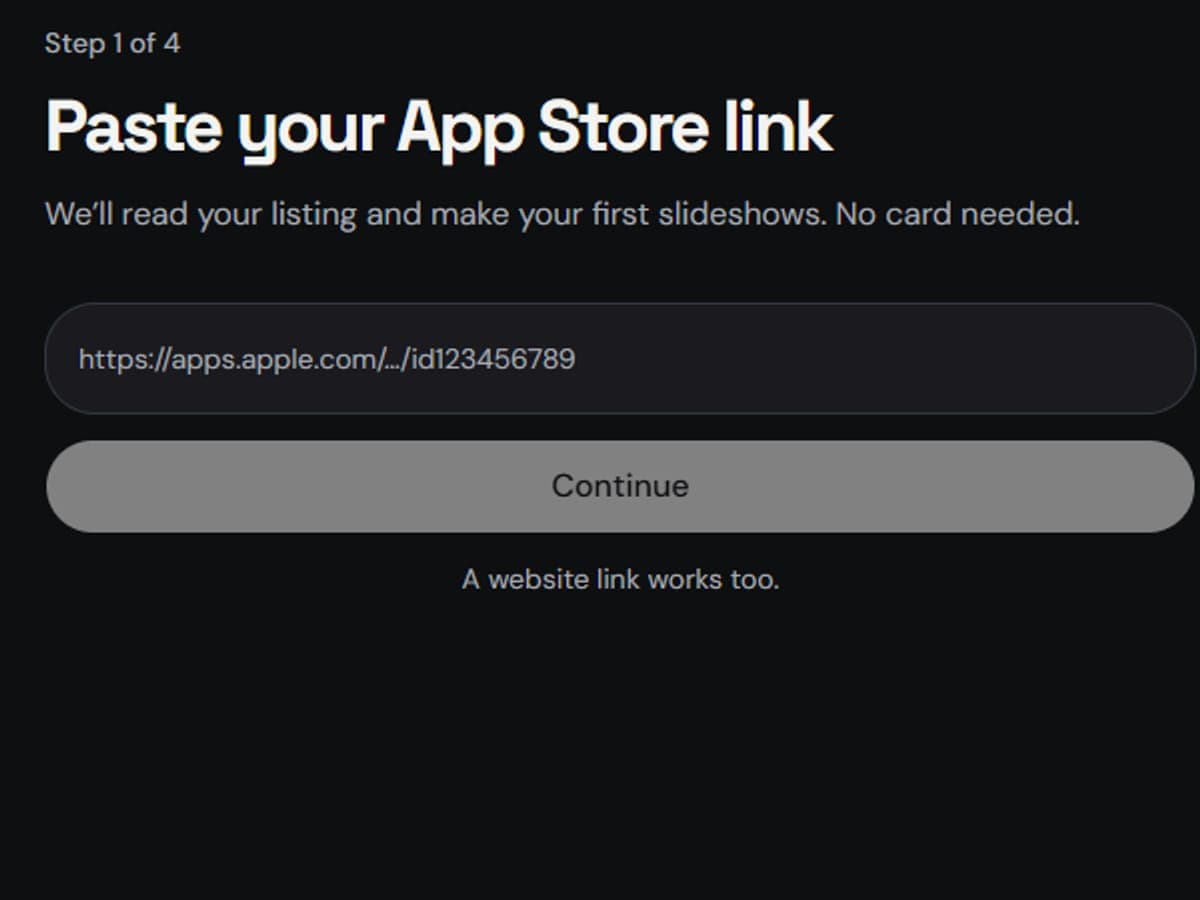
Paste your App Store link
We read your listing, screenshots and real reviews.
- 2
Confirm what we learned
Who it’s for, what it does, the topic. Fix anything, then click “Looks right”.
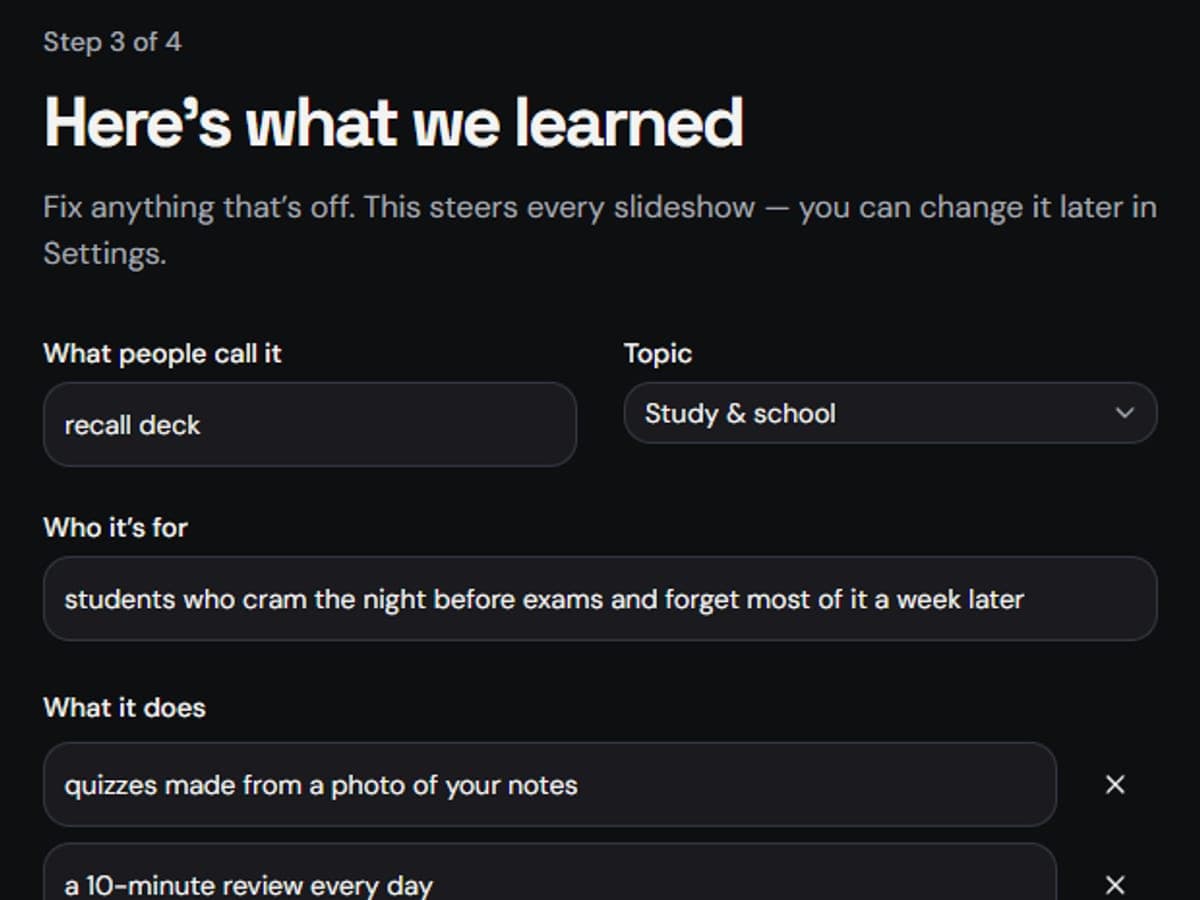
- 3
Get your slideshows
Three real-looking slideshows in under a minute, ready to post from your phone.
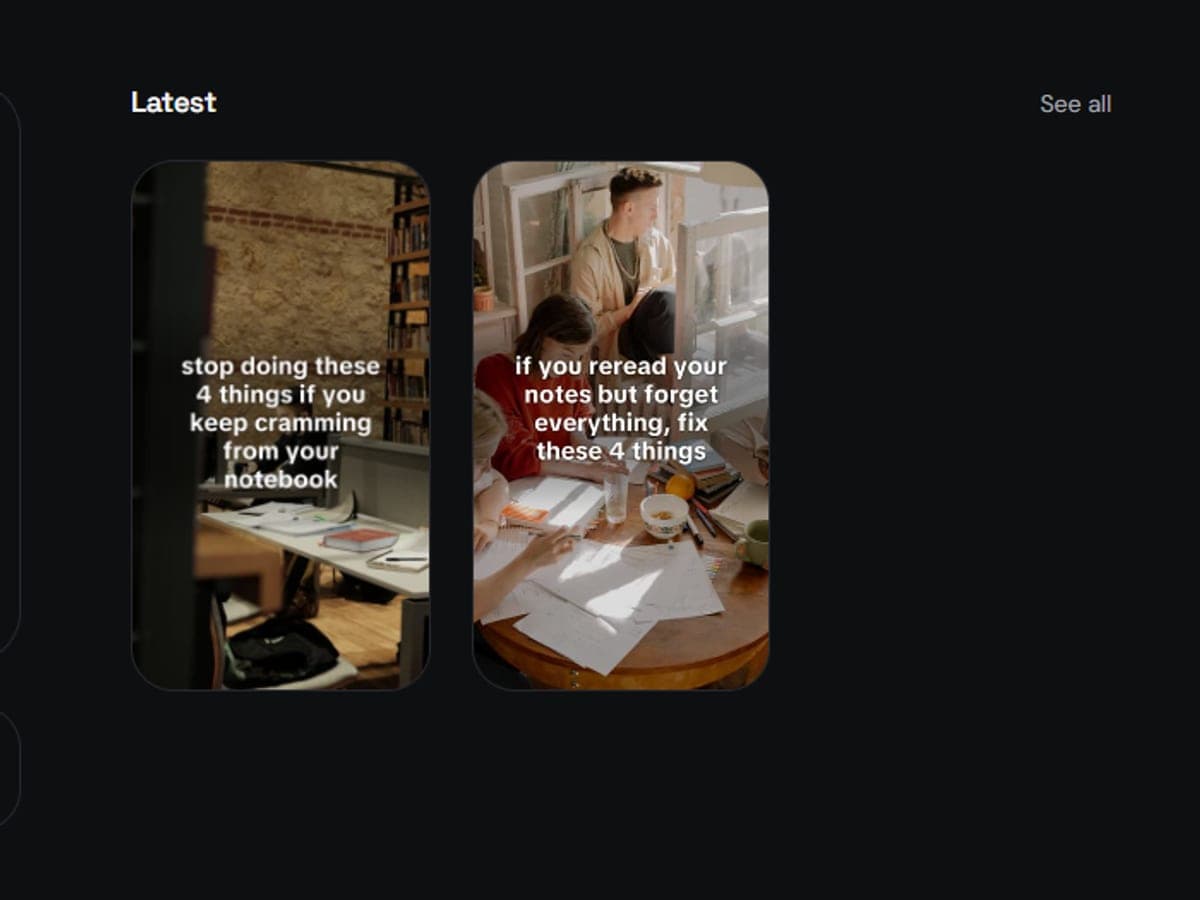
Real output
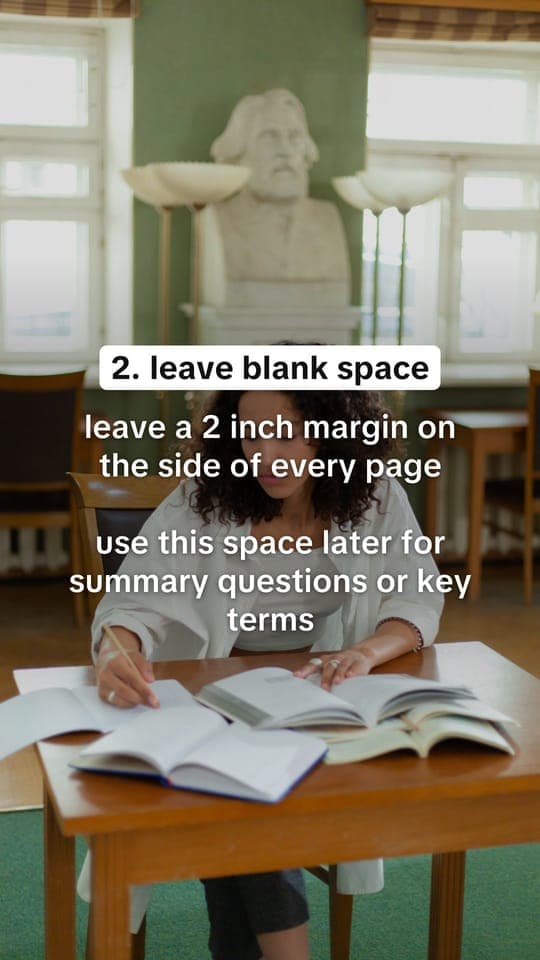
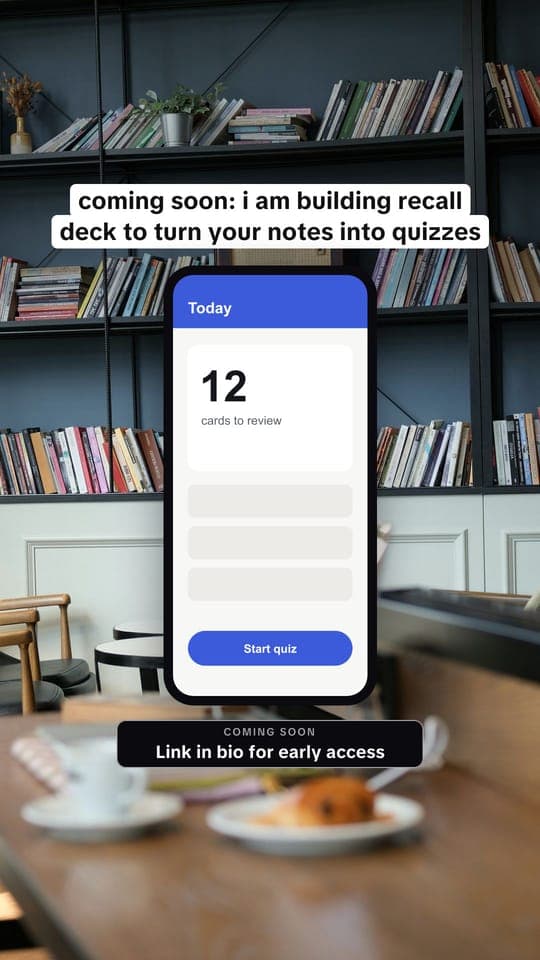
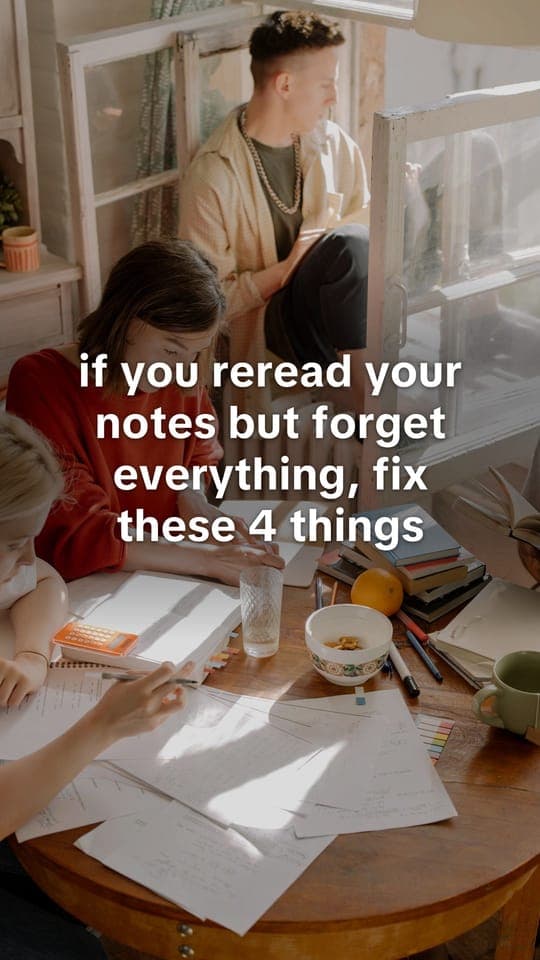
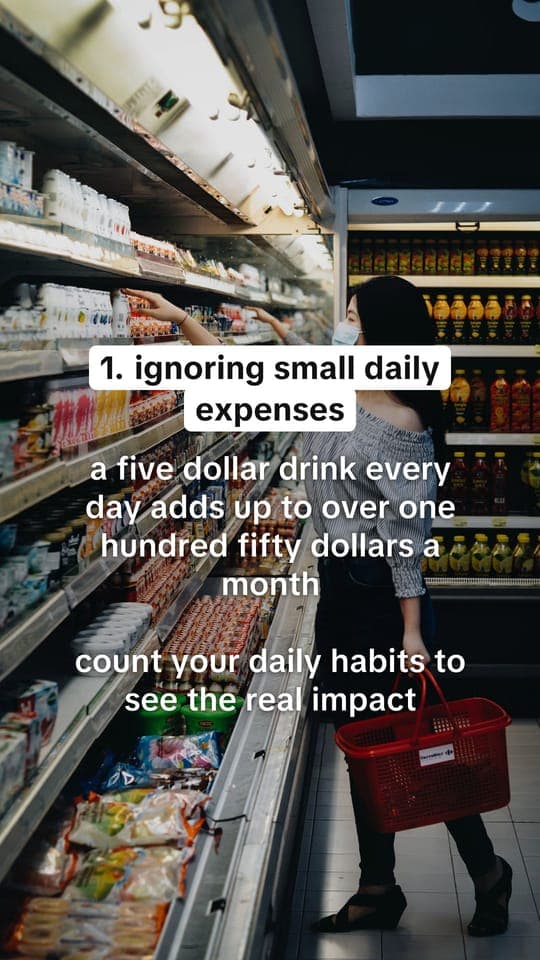
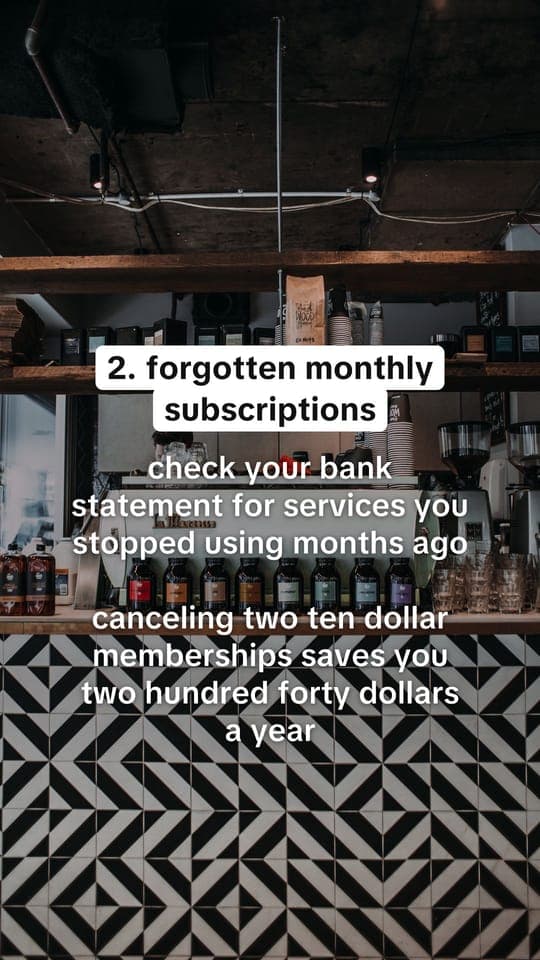
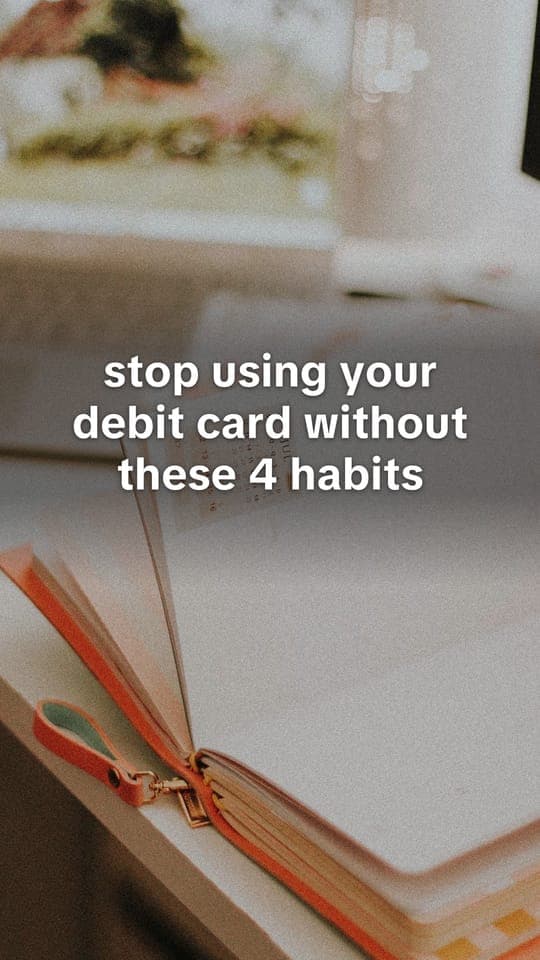
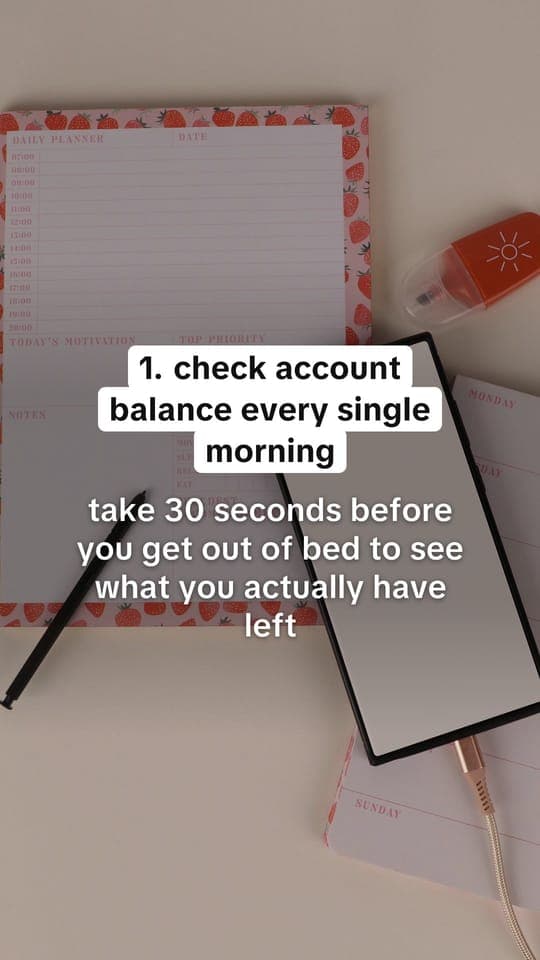
Every slide here was made by Fyp AI.
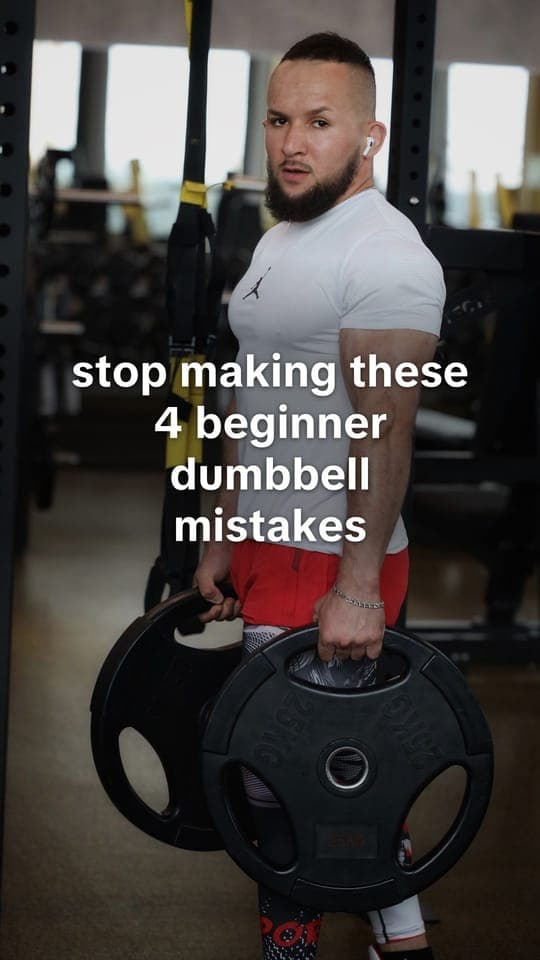
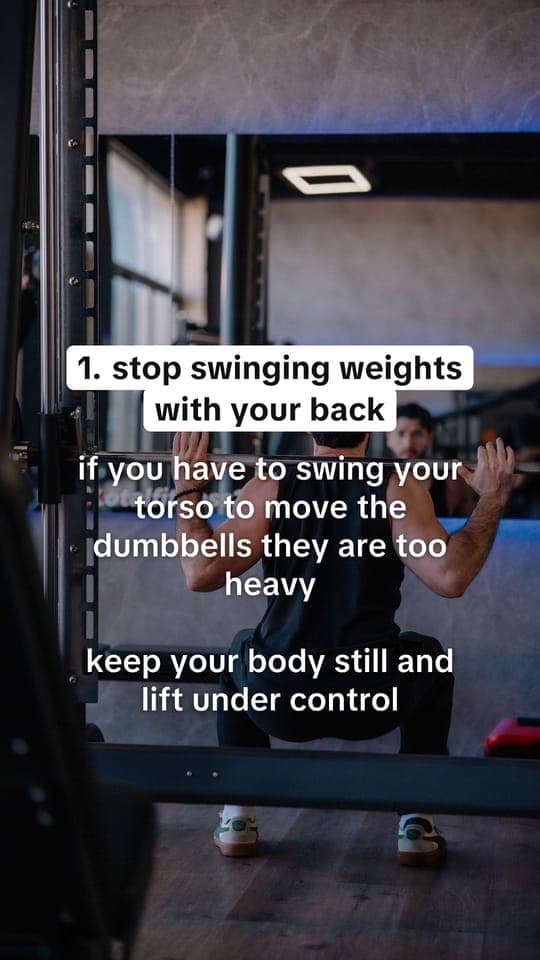
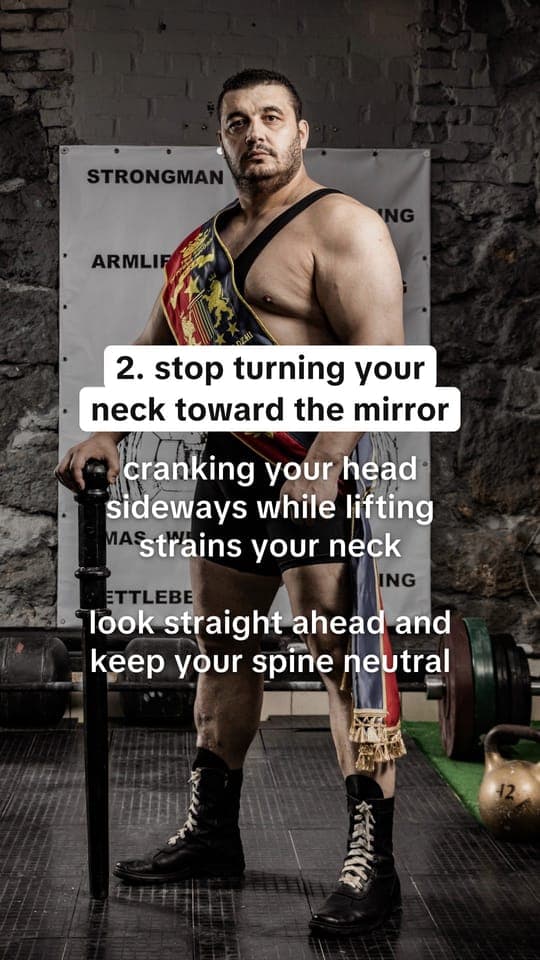
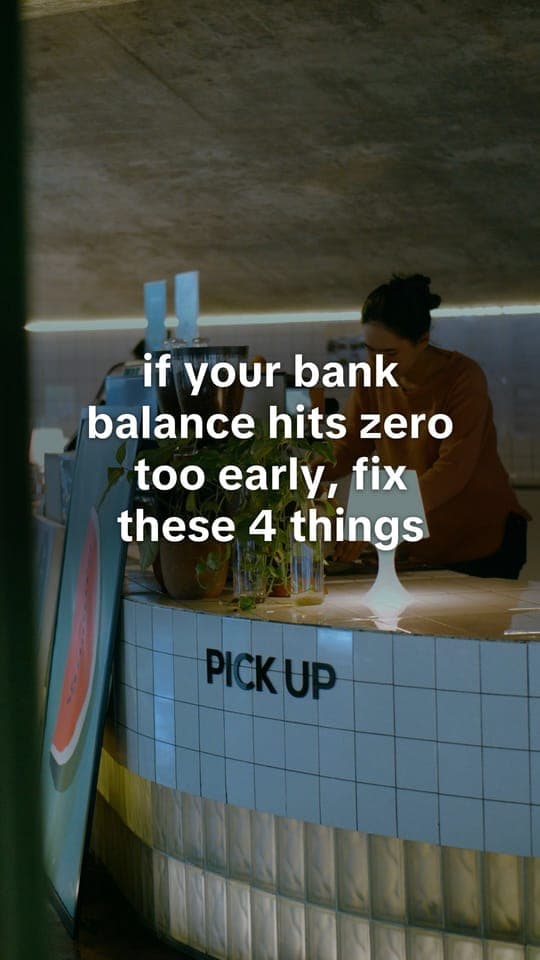
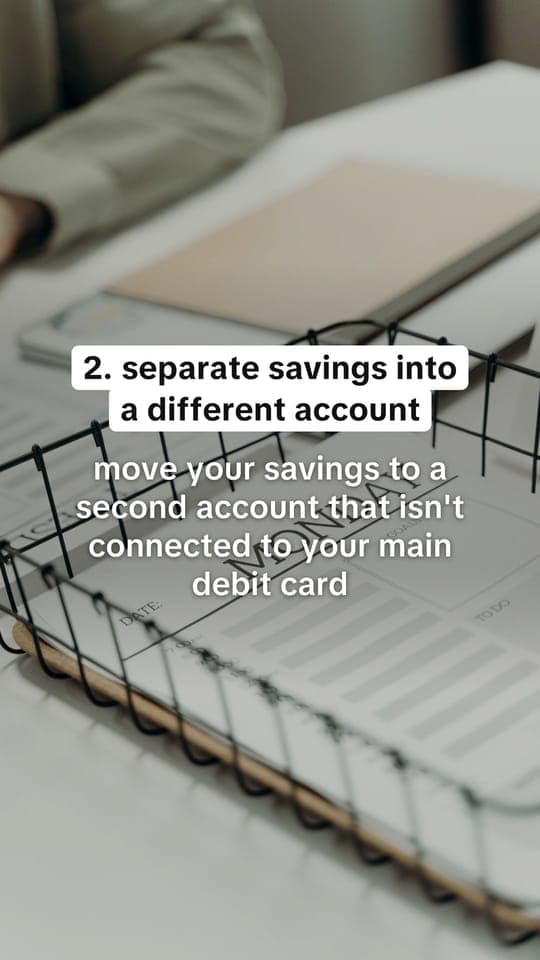
Slideshows for example apps, with real photos and real tips.
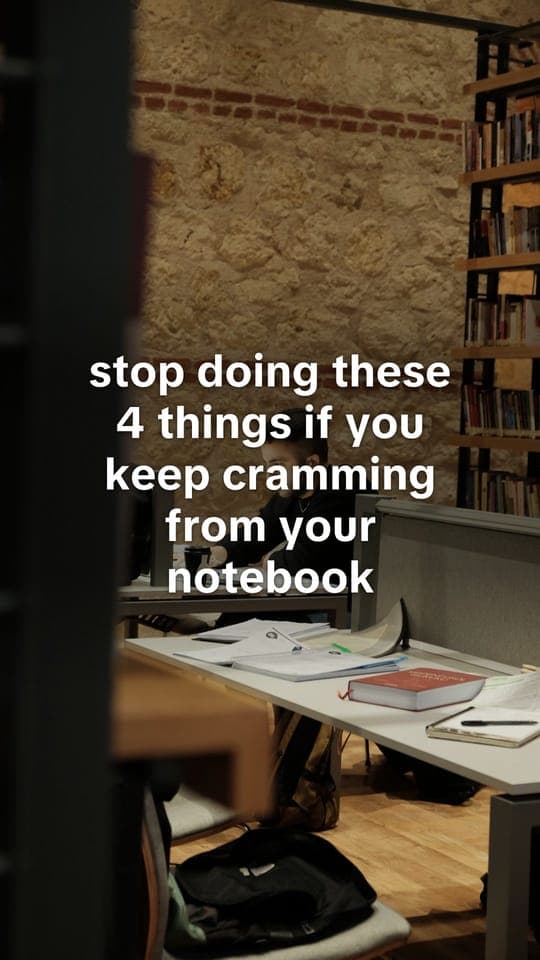
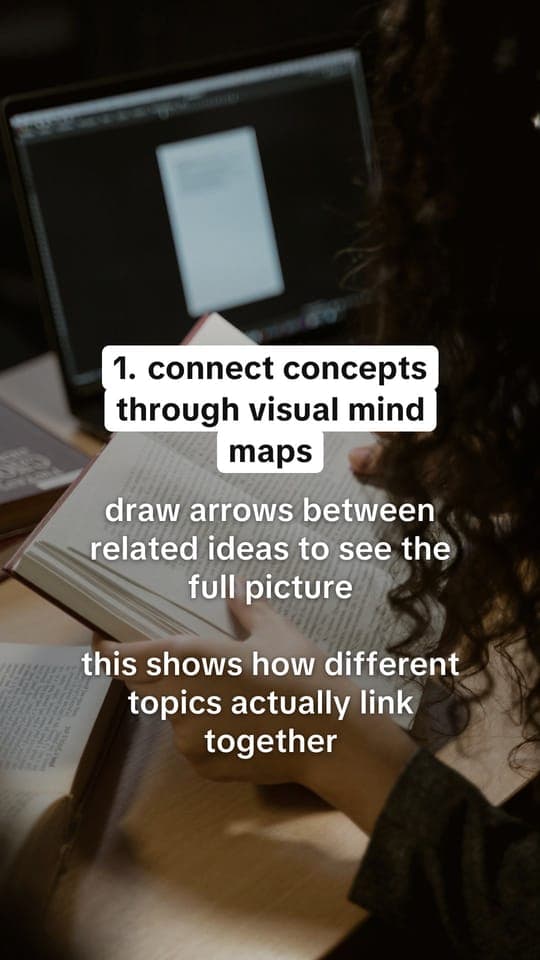
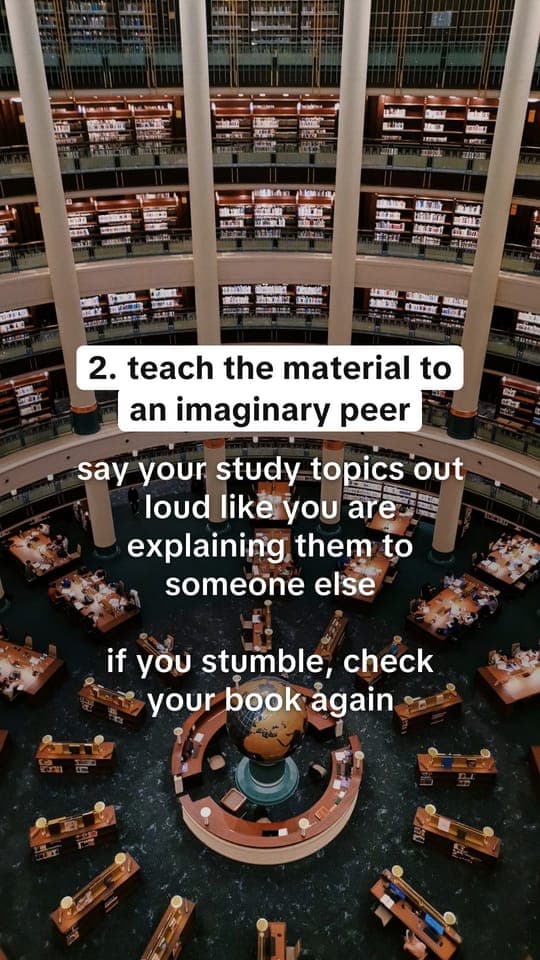
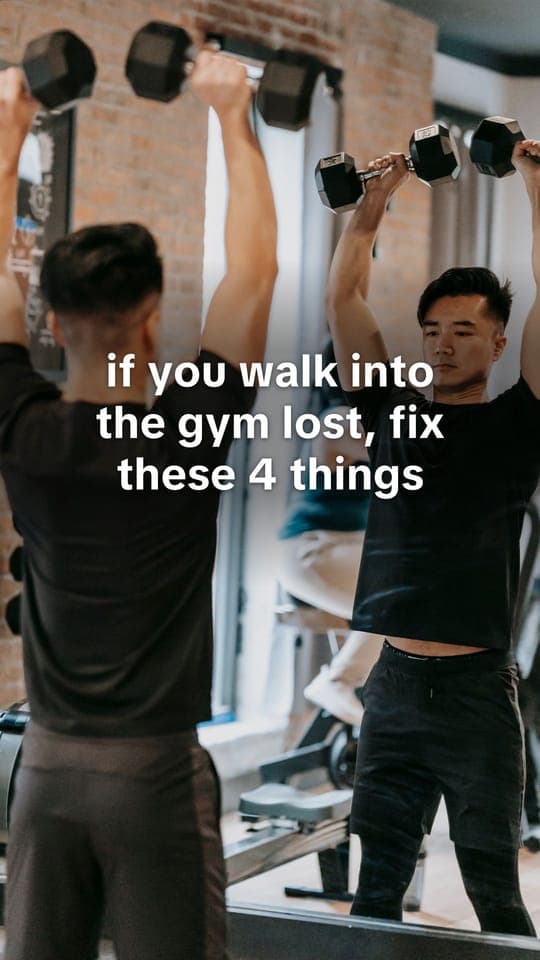
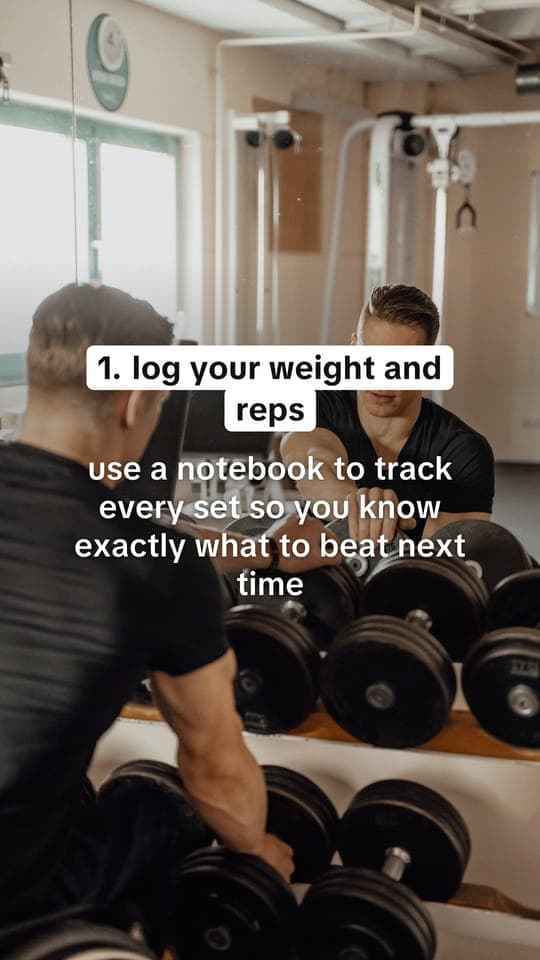
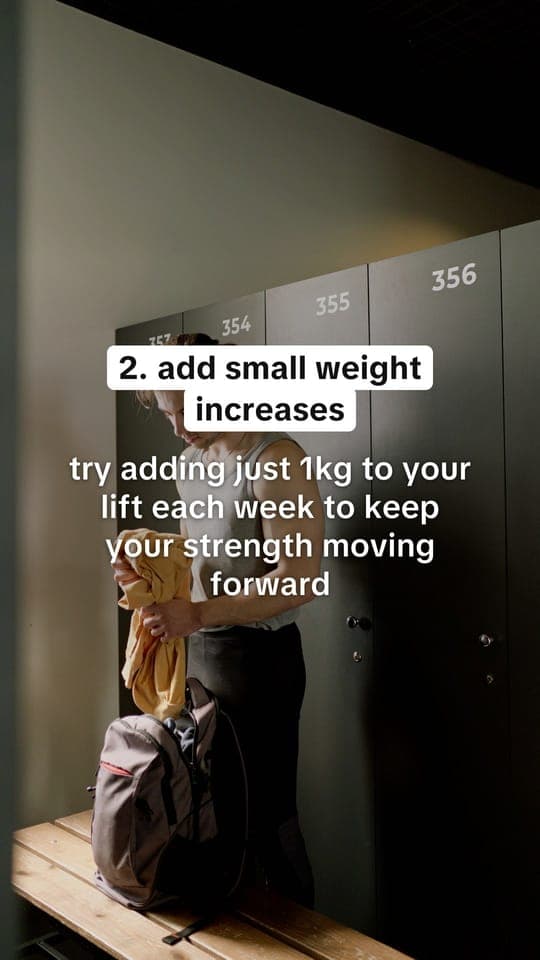
Why the posts work
Built for downloads, not decks.
Looks like a real post
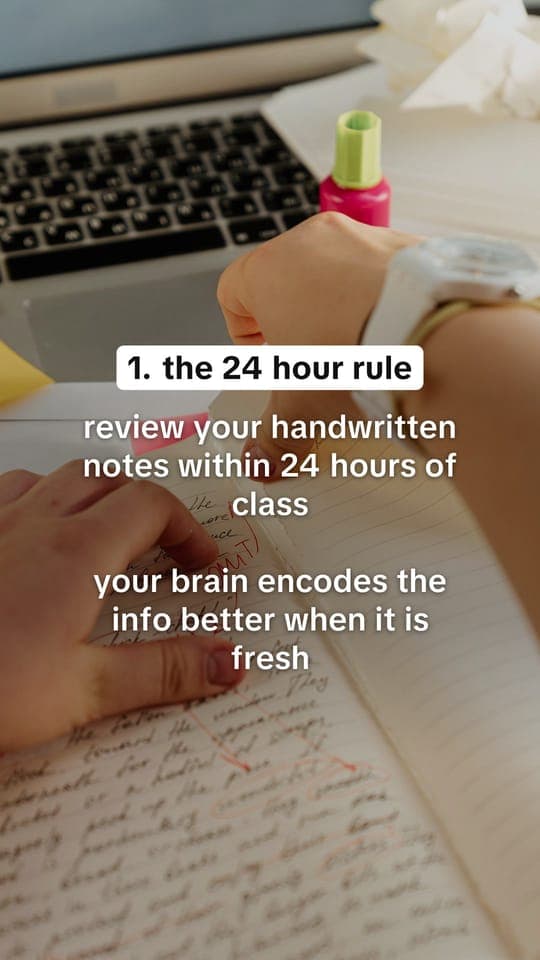
TikTok’s own font, lowercase tips people save, real photos and your real App Store screenshots. Not an ad people scroll past.
Never the same twice
New hooks and tips every time, and no photo comes back from your last 30 slideshows.
- if you reread your notes but forget everything, fix these 4 things
- stop doing these 4 things if you keep cramming from your notebook
- if you walk into the gym lost, fix these 4 things
Volume without burnout
Up to 21 slideshows in one go, and post times that keep you posting every day.
21
slideshows per batch
Questions, answered.
You shipped it. Now get it seen.
No card, and about a minute.