How it works
Link in. Slideshows out. Posted the same minute.
Six steps, and only one of them asks anything of you.
- 1
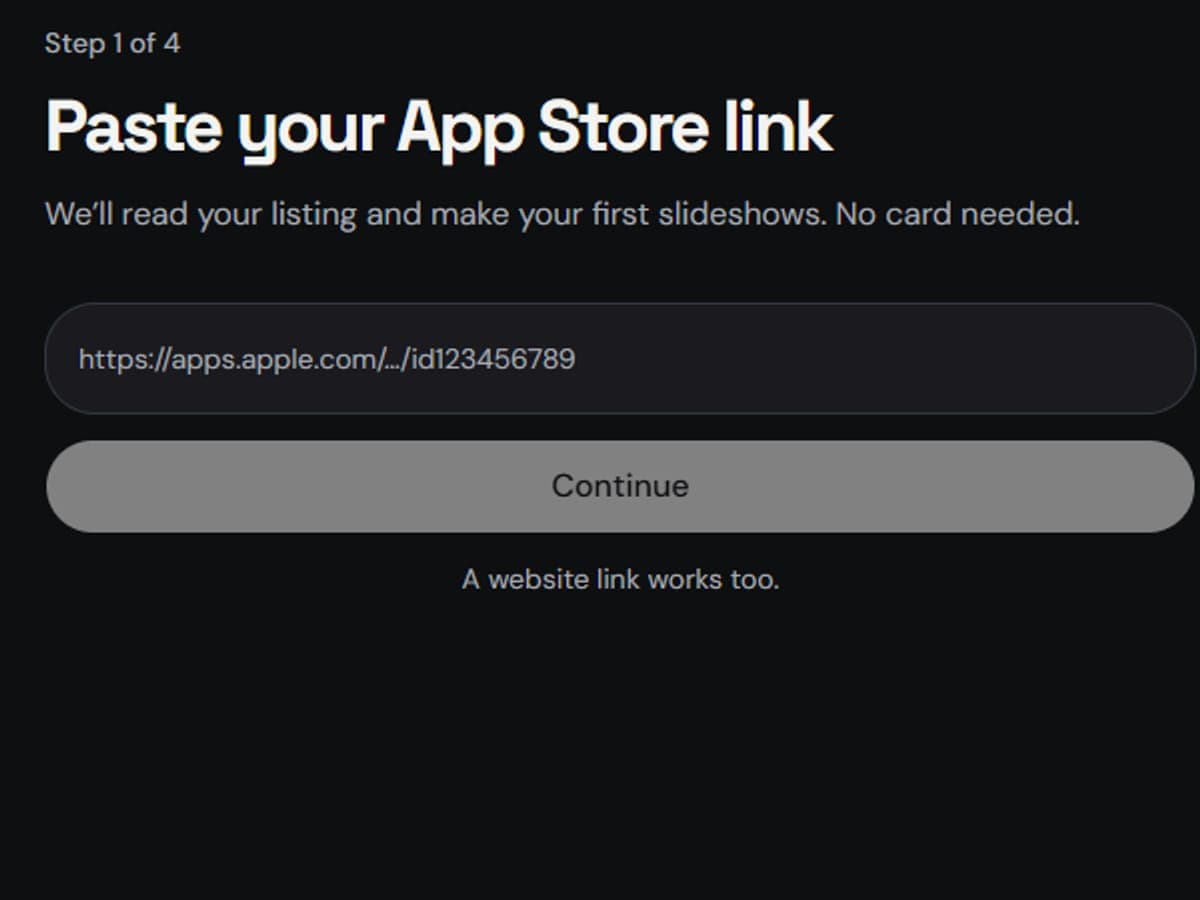
Paste your App Store link
One field. We read your listing, your screenshots and your real reviews.
- Nothing to set up first — no brand kit, no templates, no connected accounts.
- A website works too if your app is not on the App Store yet.
- 2
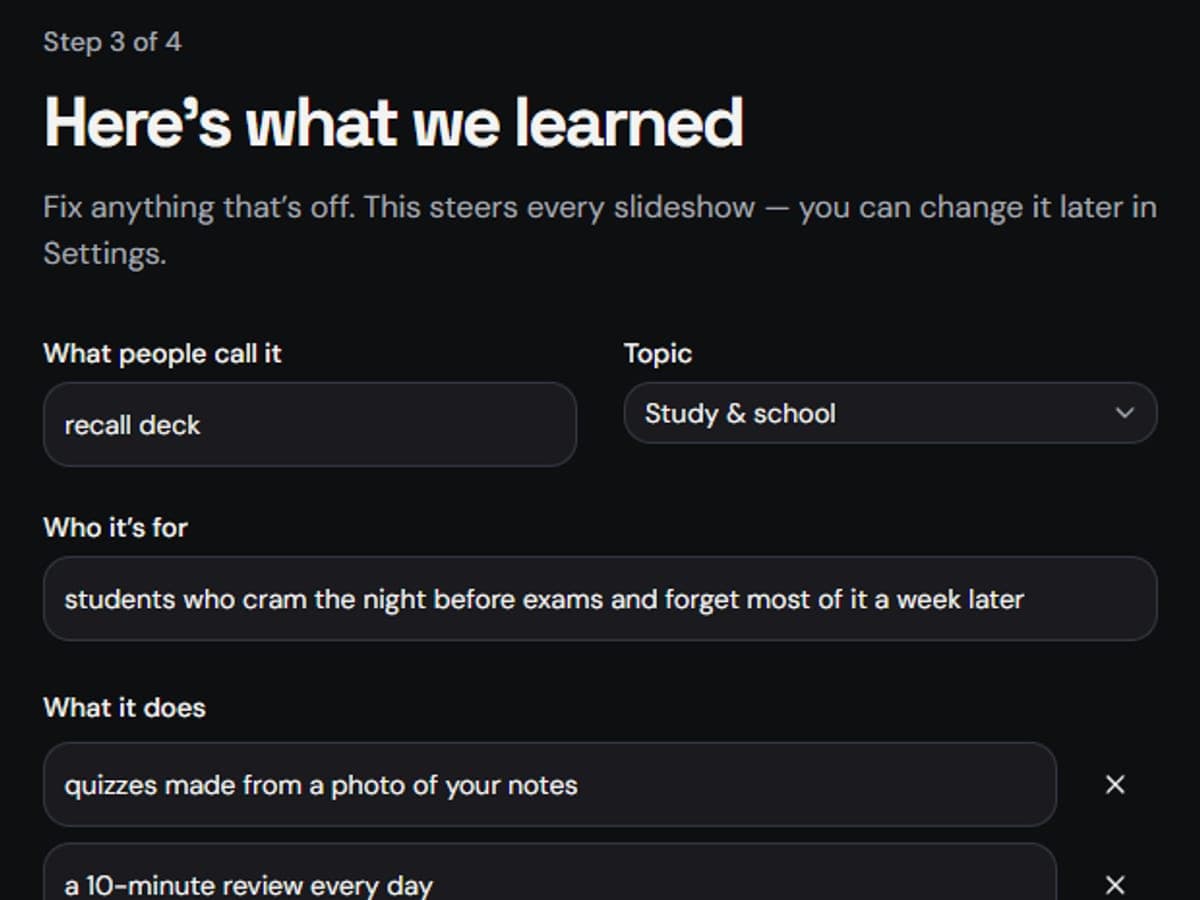
Check what we learned
Who it is for, what it does, the topic to post about. Fix anything that is off, then confirm.
- This is the only writing you ever have to do, and it takes about a minute.
- Everything after this is written from it, so a small fix here changes every future slideshow.
- 3
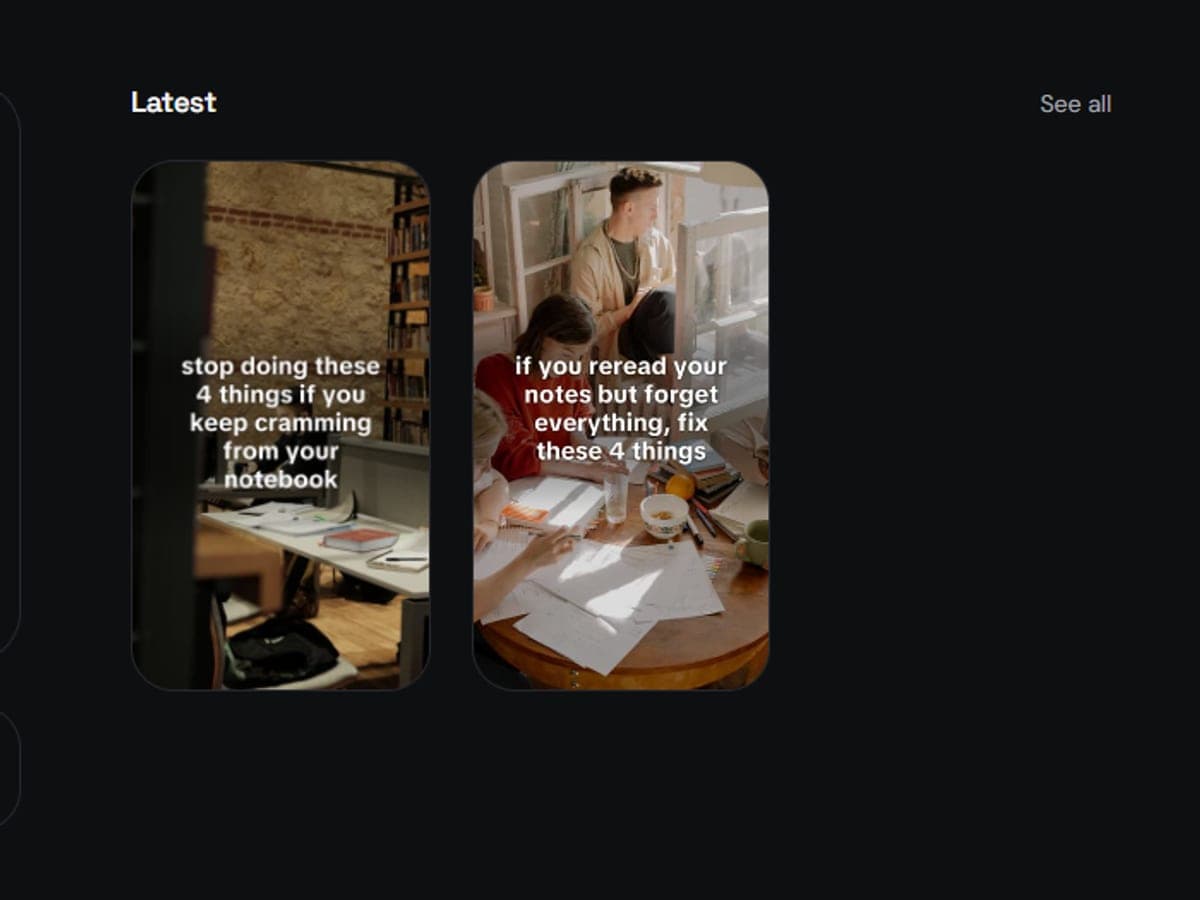
Get your slideshows
Hook, tips, photos, title, caption and hashtags. Three of them, in under a minute.
- Every hook is written to stop the scroll, from the tips that are actually in that post.
- Photos come from a pool built around your niche, and a photo you have used recently will not come back.
- The last slide names your app, with your real App Store screenshot.
- 4
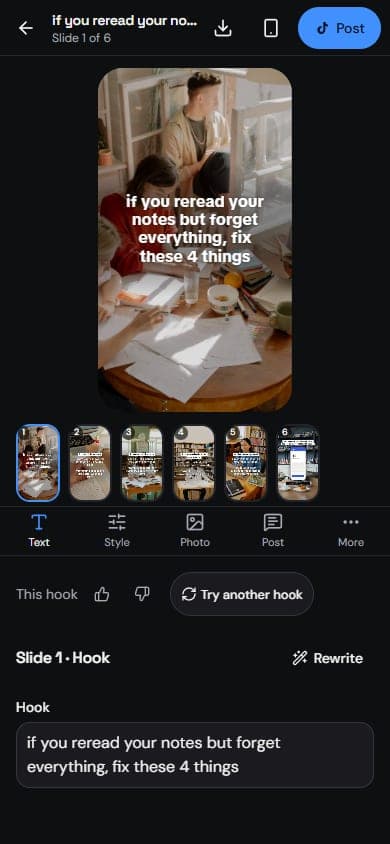
Edit anything, or nothing
Change a word, try another hook, swap a photo, move the text. Or skip it — they are ready as they come.
- Thumbs up or down on a hook: liked hooks become the style for the next ones, disliked ones never come back.
- "Not this photo" drops a photo from your pool and swaps in the next one, in one tap.
- Style changes can apply to every slide at once; the text stays per slide.
- 5
Post it, or line it up
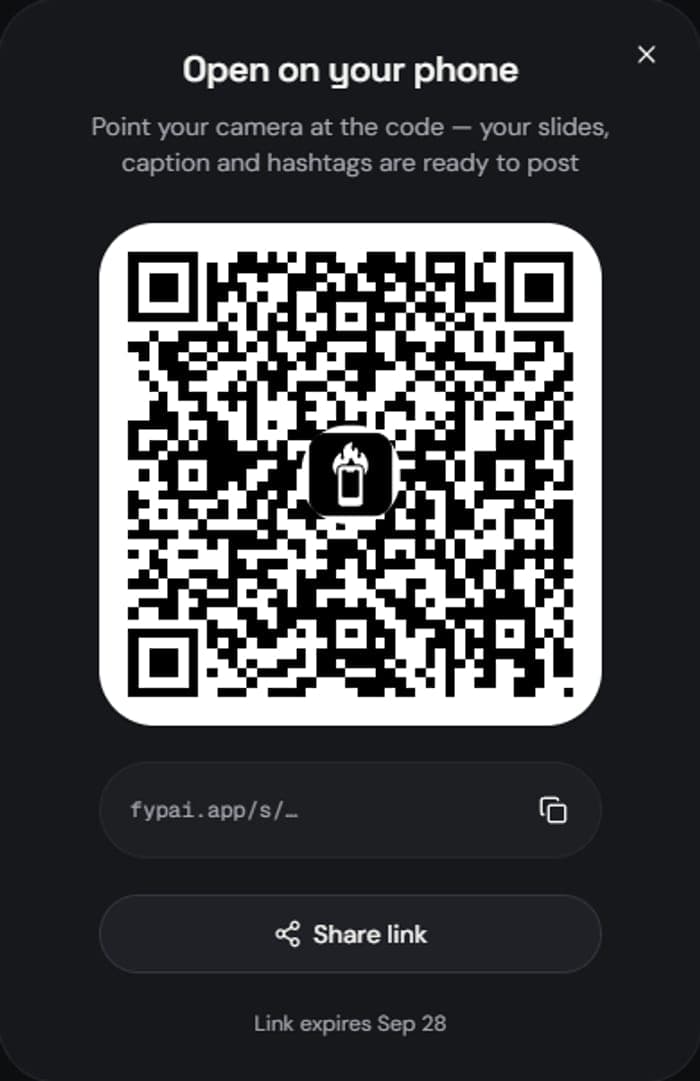
Send the slides to your phone with a QR code and post in about twenty seconds, or queue them for your posting times.
- Scan, save, post — the title, caption and hashtags come with it, ready to paste.
- Or set your times and let the queue hold the week, so one sitting covers seven days.
- Download everything as a zip if you would rather do it your own way.
- 6
See what actually worked
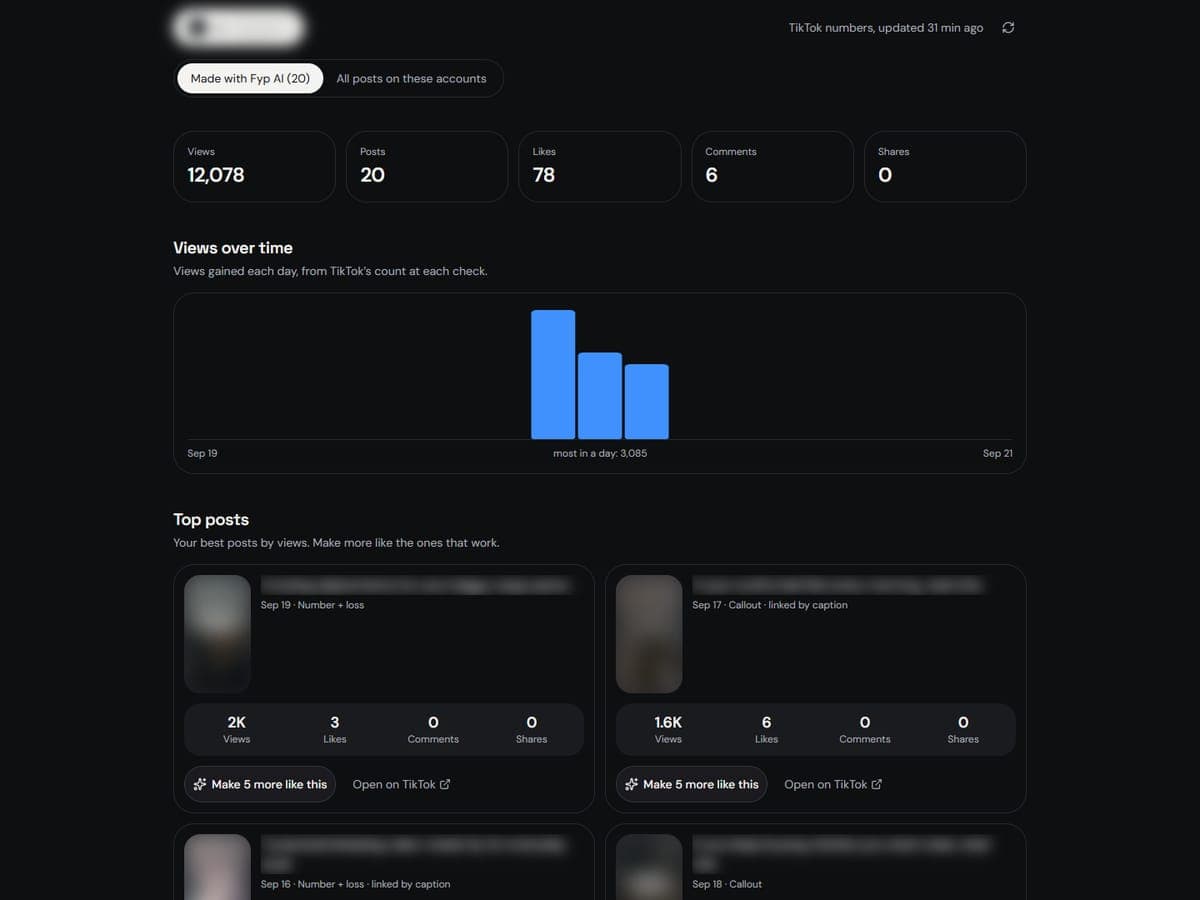
Views per post, which hook shapes held attention, and which account drove the installs.
- A separate install link per account, so downloads are attributable to a post and not just to "TikTok".
- Posts you tracked by hand sit next to the connected ones, so the picture is complete.
Try it on your own app.
Make my first slideshows
No card, and about a minute.